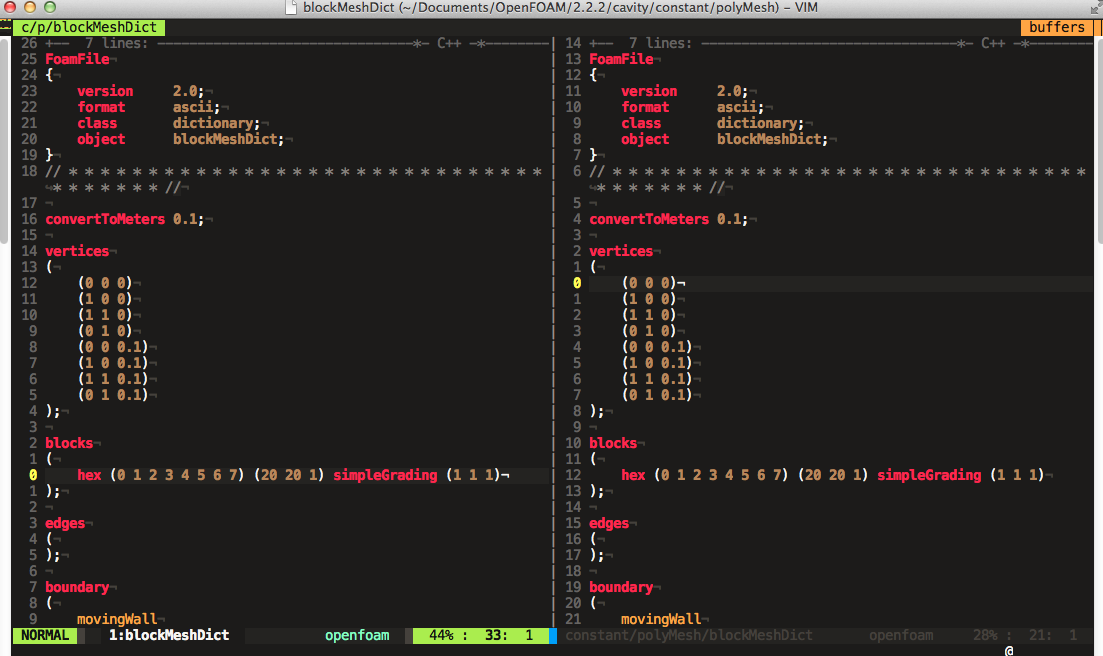
- Entities numbering. To construct a block, an edge or a boundary one has to know its vertices numbers, they are numbered automatically stating with 0. So while constructing a mesh one can, for example, use vim with +relativenumber and blockMeshDict opened in two splits (see screenshot). But when blockMesh reports about errors in the mesh description it also uses these automatic numbers of entities. Soon it becomes rather annoying to look for the block #4 or #17 to correct gradings or densities.
- Mesh grading is a good thing but for example to make a cube mesh with a higher density near the walls, one has to cut the cube into 4 blocks and make consistent grading in each block.
- Curved edges is something special. For a 2D case it's rather simple to make an utility to calculate coordinates of a point on the arc of a given radius passing through two vertices, in a 3D case it's less obvious.
- And finally workflow
vim -> blockMesh -> paraFoamis rather slow.
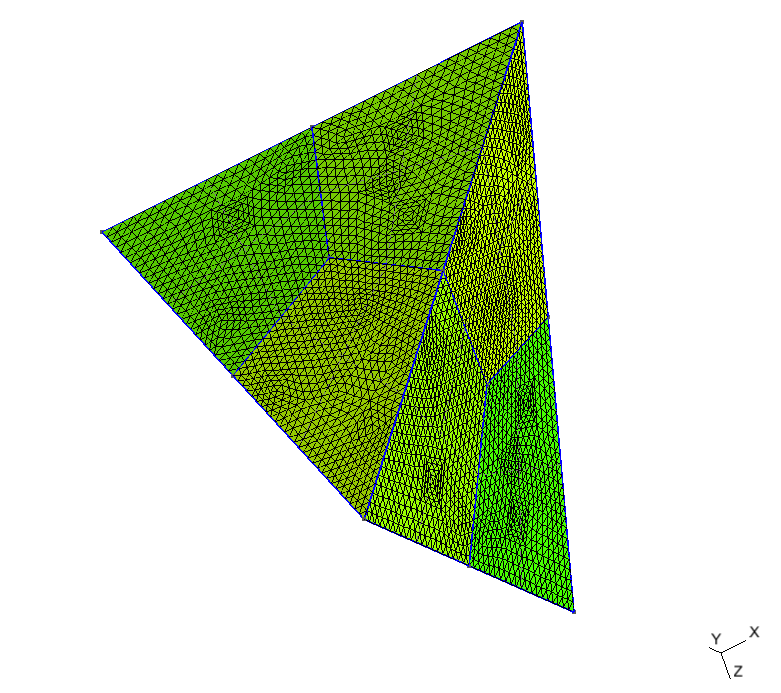
But it is possible to make hexagonal meshes with it. All GEO files from the sections below can be found in the repository.